



























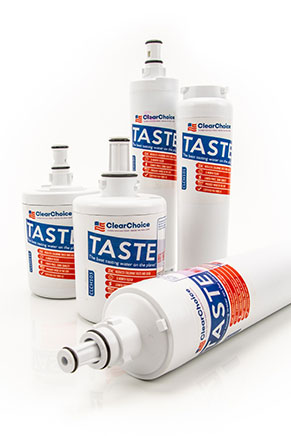
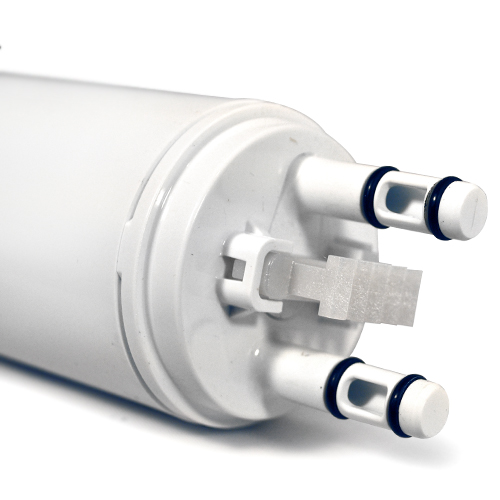
Such high grades by NSF/ANSI International make this WF3CB Puresource3 original OEM filter by Frigidaire an attractive product to homeowners who have their family's health in mind. After passing through multiple assessments by NSF, the WF3CB Puresource3 water filter received certifications for meeting both Standard 42 and Standard 53. The NSF/ANSI test results concluded that the Frigidaire filter ensures water protection from potentially harmful impurities found in your water supply, such as chlorine, funky odors, turbidity, lead, and cysts. A water filter such as this should be changed at least once every six months to ensure optimum water filtration performance for you and your family. Hope your thirsty, because the original OEM product by Frigidaire can filter up to 200 gallons during its lifetime. In addition, this water filter dispenses at a rate of a half gallon per minute.